

E-Invoicing Solutions for Bulgaria Businesses – Advintek

QuickBooks Desktop Bulgaria E-Invoicing
Get Started Integration for Connected Accounting Compliance
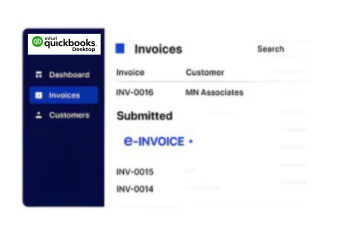
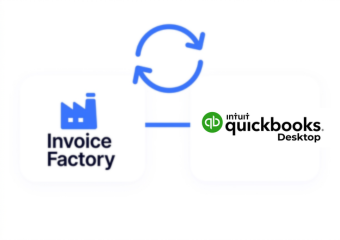
Connect QuickBooks Desktop with Advintek to coordinate invoices, customers, tax data, accounting records, and Bulgaria e-invoicing workflows.
Powerful features

Compliance Built Around Desktop Accounting Workflows

How QuickBooks Desktop Handles Bulgaria E-Invoicing

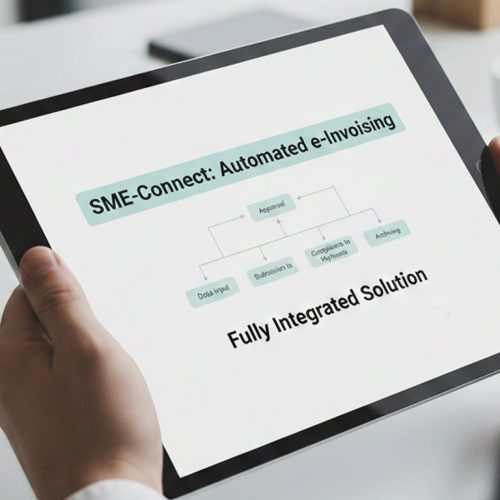
  • Collect Invoice Data: QuickBooks Desktop information is gathered with customer, tax, transaction, and accounting details for processing.
  • Match Customer Details: Customer and invoice information is matched to establish accurate billing relationships before electronic processing begins.
  • Organize Invoice Records: Relevant invoice, tax, product, service, and accounting information is organized into structured records.
  • Validate Required Fields: Required invoice fields and applicable tax information are reviewed before entering Advintek compliance workflows.
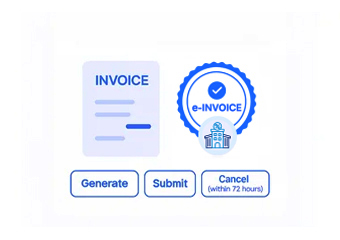
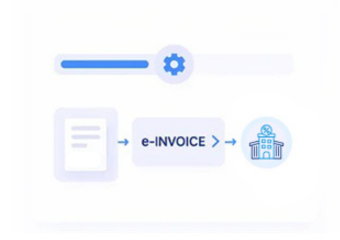
  • Process Electronic Invoices: Validated QuickBooks Desktop invoice records are processed through Advintek for Bulgaria electronic invoicing requirements.
  • Track Processing Outcomes: Processing outcomes remain connected with QuickBooks Desktop records, supporting reconciliation, visibility, and financial administration.
Affordable pricing for SMEs

Simple, Transparent Pricing

Starting from as low as

RM 20

What Advintek Adds To QuickBooks Desktop

Advintek provides a compliance integration layer connecting QuickBooks Desktop accounting records with Bulgaria e-invoicing and structured electronic invoice processing.

What is Advintek's e-invoice connector for Zoho Books
sap e invoicing for compliance sap einvoicing sap einvoice

Why QuickBooks Desktop Supports Finance Controls

  • Revenue Activity Analysis: Analyze invoiced revenue across customers, products, services, and accounting periods for informed financial planning.
  • Receivable Position Review: Examine outstanding invoices, customer balances, overdue transactions, and collection activity for stronger accounting oversight.
  • Transaction Classification Review: Assess invoice categories and accounting entries to identify patterns across business transactions and financial records.
  • Tax Record Examination: Review tax information alongside invoice and accounting records to support accurate financial reporting.
  • Customer Billing Comparison: Compare customer invoice activity, recurring transactions, account balances, and billing patterns across reporting periods.
  • Accounting Exception Monitoring: Identify incomplete records, unusual transactions, and processing discrepancies requiring finance team investigation.
Powerful features

One Compliance Layer for Every Invoice

Built for UAE Businesses Using QuickBooks

QuickBooks Desktop Supports Bulgarian Business Operations

QuickBooks Desktop can connect invoicing, customer accounts, accounting entries, tax information, and financial records with Bulgaria e-invoicing workflows.

Start QuickBooks Desktop Bulgaria Integration

Connect QuickBooks Desktop With Bulgaria E-Invoicing

Coordinate accounting information through structured digital workflows.

Connected to QuickBooks Desktop. Coordinated through Advintek.

Ready e-Invoice System

0 % NRA

Frequently Asked Questions QuickBooks Desktop e-Invoicing Bulgaria

Can QuickBooks Desktop integrate with Bulgaria e-invoicing software?

QuickBooks Desktop can provide relevant invoice, customer, transaction, tax, and accounting information for electronic invoice processing. Advintek can connect applicable QuickBooks Desktop records with Bulgaria e-invoicing workflows, helping businesses validate invoice information, organize structured records, monitor processing results, and maintain relationships between source accounting data and processed electronic invoices.

Customer records provide important context for identifying invoice recipients and associating billing transactions with the appropriate accounts. Advintek can coordinate applicable customer information with invoice records, tax details, and accounting references, helping reduce inconsistencies while preparing QuickBooks Desktop transactions for Bulgaria electronic invoicing workflows.

Relevant invoice information can undergo validation before entering the electronic invoicing workflow. Missing fields, inconsistent information, or applicable tax-data issues can be identified for review. Advintek helps coordinate validation and processing activities so finance teams can address exceptions before affected QuickBooks Desktop invoice records continue through compliance workflows.

Connecting QuickBooks Desktop with Advintek links established accounting operations with structured Bulgarian e-invoicing processes. The integration can coordinate invoices, customers, tax information, accounting records, validation results, and processing statuses, giving finance teams greater control over electronic invoice administration while preserving visibility across their existing QuickBooks Desktop environment.

Relevant QuickBooks Desktop information can include customer details, invoice references, dates, line items, quantities, tax information, totals, and accounting entries. Advintek can coordinate applicable records during invoice processing, helping Bulgarian businesses establish consistent connections between accounting transactions and structured electronic invoice information.