

QuickBooks Bulgaria Invoice Compliance
Get Started
Connect Accounting With Digital Workflows
Compliance That Fits QuickBooks Users
How QuickBooks Handles Bulgaria E-Invoicing
- Gather Invoice Information: QuickBooks invoice records are collected with customer, transaction, tax, and accounting information for processing.
- Verify Customer Details: Customer records are associated with relevant invoices to maintain accurate billing relationships before electronic submission.
- Organize Financial Data: Invoice, product, service, tax, and accounting details are arranged into structured electronic records.
- Review Mandatory Information: Required invoice fields and relevant tax details are checked before entering Advintek processing workflows.
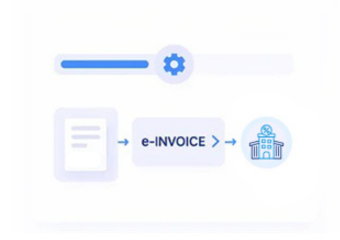
- Handle Electronic Invoices: Validated QuickBooks records move through Advintek for processing within Bulgaria’s electronic invoicing workflows.
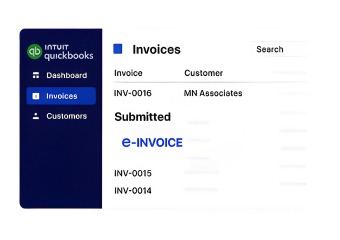
- Monitor Invoice Outcomes: Processing results stay connected to QuickBooks records, helping finance teams reconcile transactions and review statuses.
What Advintek Adds To QuickBooks
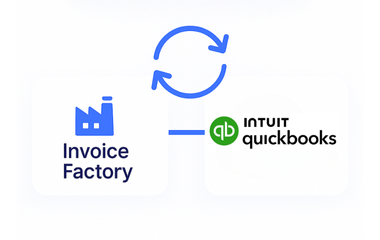
Advintek acts as an integration layer between QuickBooks accounting data and Bulgaria e-invoicing workflows, supporting structured electronic invoice administration.
- Transforms QuickBooks information into structured invoice records
- Coordinates applicable tax details during processing
- Monitors invoice validation and processing statuses
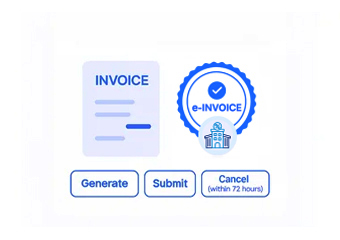
- Manages invoice amendments and lifecycle activities
Why QuickBooks Users Choose Advintek
- Automated Compliance Workflows: QuickBooks invoices move through organized compliance processes with automated checks, helping reduce repetitive administrative responsibilities.
- Connected Accounting Operations: Invoice information stays linked with QuickBooks records during validation, processing, tracking, and reconciliation activities.
- Stronger Data Quality: Structured checks can highlight missing or inconsistent invoice information before electronic processing and financial review.
- Greater Invoice Visibility: Finance teams can follow invoice progress, processing results, and exceptions across integrated accounting workflows.
- Consistent Record Management: Customer, invoice, tax, and accounting information remains coordinated throughout electronic invoicing activities.
- Bulgaria Compliance Coordination: Advintek connects QuickBooks information with applicable Bulgarian electronic invoicing and tax processing workflows.
Everything You Need for Bulgaria E-Invoicing in One Place
Exception Monitoring And Correction
Detect invoice inconsistencies through structured monitoring, guided corrections, and controlled resubmission workflows.
Accounting Reporting Insights
Access centralized visibility into invoice activity, processing results, exceptions, and associated accounting information.
Continuous Compliance Support
Manage evolving invoicing requirements through validation controls, exception workflows, and ongoing compliance process support.
QuickBooks Supports Bulgarian Business Accounting
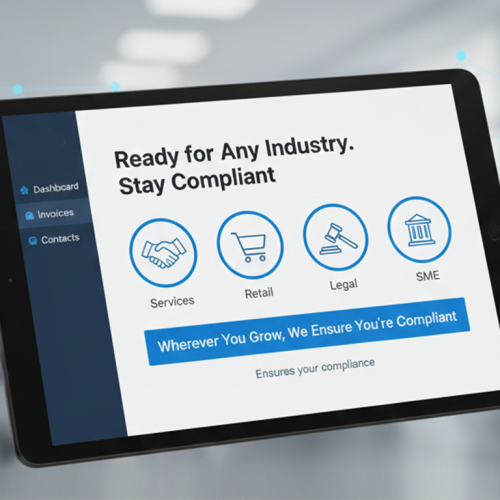
From consulting and professional service providers to expanding commercial organizations, QuickBooks supports daily accounting alongside Bulgarian e-invoicing activities.
- Create and manage invoices within QuickBooks
- Coordinate recurring invoices with electronic workflows
- Reconcile processed invoices with accounting records
- Review tax details during invoice checks
Connect QuickBooks To Bulgaria E-Invoicing
Link QuickBooks with Advintek for coordinated Bulgaria electronic invoicing workflows.
QuickBooks connected. Advintek coordinated.
Ready e-Invoice System
Frequently Asked Questions QuickBooks e-Invoicing Bulgaria
How does Advintek connect QuickBooks with Bulgaria e-invoicing?
Advintek can integrate relevant QuickBooks invoice and accounting information with Bulgaria-focused electronic invoicing workflows. Customer details, invoice data, tax information, line items, and accounting references can be coordinated for validation, structured processing, and status monitoring, helping finance teams maintain continuity between QuickBooks transactions and electronic invoice records.
What QuickBooks information is used for Bulgarian e-invoices?
Relevant information may include customer details, invoice references, transaction dates, products or services, quantities, tax information, totals, and accounting references. Advintek can organize applicable QuickBooks data within the electronic invoicing workflow, helping businesses maintain accurate connections between their accounting records and processed Bulgarian electronic invoices.
Can Advintek check VAT details in QuickBooks invoices?
Advintek can apply validation controls to relevant VAT and invoice information originating from QuickBooks. Required fields, customer details, tax information, and structural invoice data can be reviewed for potential inconsistencies. This allows finance teams to identify and correct data issues before invoices continue through Bulgaria-focused electronic invoicing workflows.
How does QuickBooks stay connected with processed e-invoices?
QuickBooks records can remain associated with their corresponding electronic invoice information throughout the processing journey. Advintek coordinates invoice references, transaction details, tax information, and processing outcomes, helping businesses reconcile processed e-invoices with the accounting activity originally recorded in QuickBooks.
What are the benefits of Bulgaria e-invoicing integration with QuickBooks?
Integrating QuickBooks with Bulgarian e-invoicing software connects routine accounting activities with structured electronic invoice processing. Advintek can coordinate customer records, invoice information, tax details, accounting references, validation results, and processing statuses, giving Bulgarian businesses a unified approach to invoice compliance, reconciliation, and ongoing accounting administration.